

Think live streaming is tough? Rumble makes it a breeze. This guide walks you through creating your account, testing your audio and video, and getting your stream live without any hassle. We break down every step, from signing in to fine-tuning your stream settings, so you can shine online. It really comes down to a few clicks and a steady internet connection, letting you share your story quickly and clearly.
Getting Started with Rumble Live Streaming
Before you start your first live event on Rumble, make sure you have a Rumble account, a steady internet connection, and that you agree to the Terms of Use and Privacy Policy. A solid connection is key for a clear broadcast, and accepting these guidelines lets you unlock all the features available.
After signing in, look for the "Live" tab in the top menu. Click it to see your live streaming options. Your account needs to be verified, and you must follow Rumble's guidelines to use the live feature.
- Sign in or join Rumble and accept the Terms of Use/Privacy Policy.
- Find the "Live" section in the top menu.
- Click "Go Live" or tap the Create button.
- Enter your stream title, description, and tags.
- Choose a privacy setting (Public, Unlisted, or Private).
- Click "Start Live" to begin broadcasting.
Before you go live, double-check that your audio and video are working as expected. Use the recommended bitrates (around 720p to 1080p at 3+ Mbps) to keep your stream smooth. Running a quick test stream can help you monitor performance and make small improvements, like switching to a wired connection or closing unused apps, to boost your live event's quality.
Installing Rumble and Setting Up Your Account for Streaming
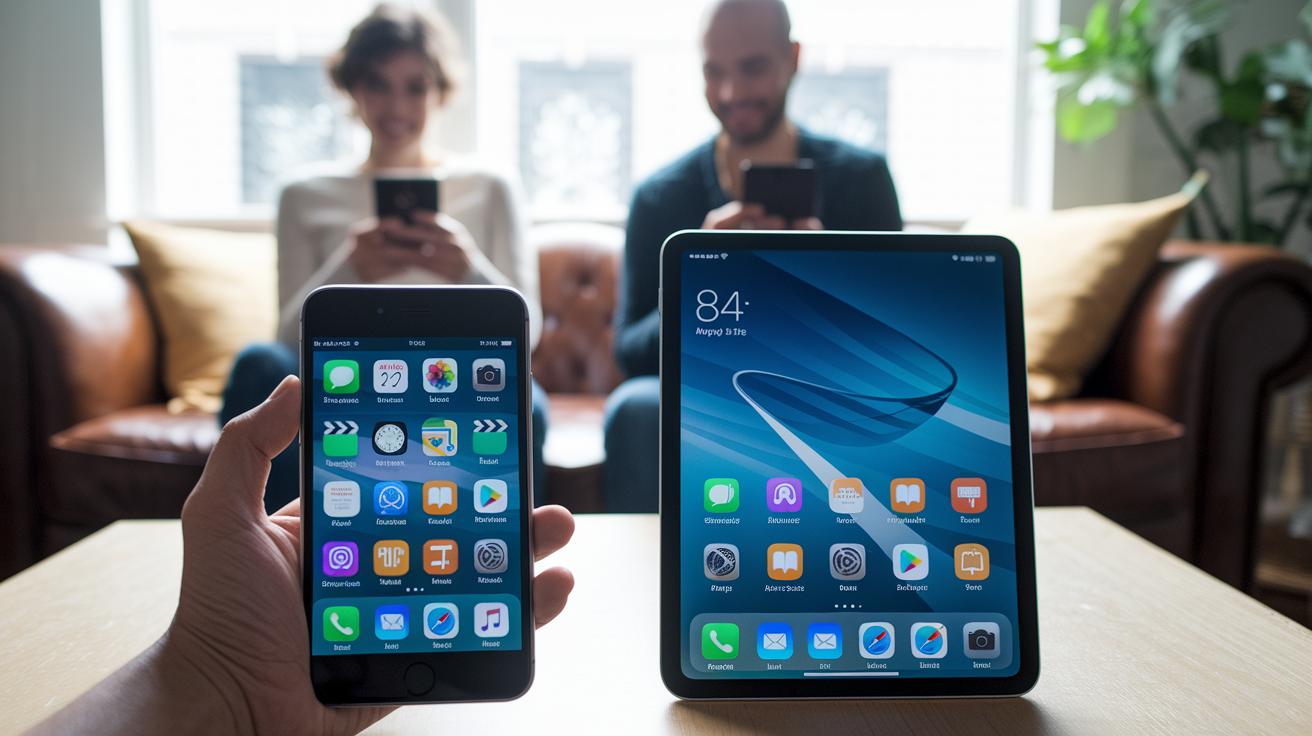
Rumble works across all your devices, so you can enjoy streaming anywhere. Android users can grab it from Google Play or sideload an APK if needed. iPhone fans just head to the App Store and tap install. And if you're on a desktop, simply visit rumble.com in your browser.
The installation steps are quick and simple. Android users have two options: download directly from Google Play or sideload the APK. iPhone users only need to search for Rumble in the App Store and tap to install. For desktop viewing, no download is necessary, just use your web browser to go to rumble.com.
- Android: Download from Google Play or sideload an APK.
- iPhone: Install the app from the App Store.
- Desktop: Visit rumble.com in your browser.
If you run into any problems, check that your device has enough storage and that all the needed permissions are on. Give your network a quick test and try reinstalling the app if the issues continue. Also, make sure your operating system is up-to-date to avoid any compatibility hiccups.
Exploring Rumble Streaming Platform Overview and Key Features
Rumble started in 2013 when a Canadian entrepreneur created this video-sharing platform as a fresh alternative to YouTube. The idea was to build a space where creators could share their voices with fewer restrictions. With a focus on free expression, Rumble quickly became a popular choice for those tired of strict guidelines on mainstream sites.
The platform's rise has been impressive. In 2020, monthly users leaped from 2 million to over 20 million as more people looked for open spaces to share ideas and news. By 2022, Rumble boasted 78 million active users around the globe. About 80% of those sharing videos are independent creators, while the remaining 20% come from various organizations. This mix has sparked a wide range of content, from thoughtful commentary to pure entertainment.
Rumble also offers smooth integration across devices, clear scheduling for live and upcoming events, and a broad range of categories like Animation, Comedy, and Sports. These features make it easy for viewers to find and connect with shows that match their interests.
Maximizing Earnings: Rumble Video Monetization Strategies

Rumble stands out by letting creators earn money with minimal restrictions. Unlike other platforms, it gives more freedom over monetization, making it easier for independent content makers to showcase their work and keep more of their earnings. Think of it as a safety net where you stay in control while reaching a bigger audience.
Rumble offers several income streams that work together. You can share ad revenue as your videos get more views, and video licensing lets news outlets pay for exclusive clips, opening up another cash flow. Plus, you can set up subscriptions so followers support you directly, or use viewer tipping to get instant rewards during live shows. These options make it simple to earn money whether you're posting a quick news clip or live-streaming a special event.
To boost your earnings on Rumble, focus on high-interest topics and trending clips. Zero in on content that grabs viewers when interest is at its peak. Try covering live niche events that attract devoted fans who appreciate that extra detail.
Ensuring Safety, Privacy, and Policy Compliance on Rumble Streaming
Rumble stands by free speech and a balanced, open space for all opinions. The platform has clear rules that welcome diverse views while keeping an eye on problematic content. Even if contentious topics like misinformation pop up, the door for open dialogue remains open.
Copyright is a big deal for Rumble. Our system uses smart tools to catch issues quickly and handles infringement claims with fast DMCA takedowns. Creators are encouraged to share original work or get permission to steer clear of strikes. This clear approach helps protect creative work and gives everyone a fair shot at resolving disputes, making the streaming experience safer and more reliable.
To keep your account secure, Rumble offers strong safety features like two-factor authentication and secure login steps. Plus, detailed privacy settings let you control who sees your content and how your data is shared, ensuring your personal information stays safe during every live session.
Optimizing Technical Performance for Rumble Streaming
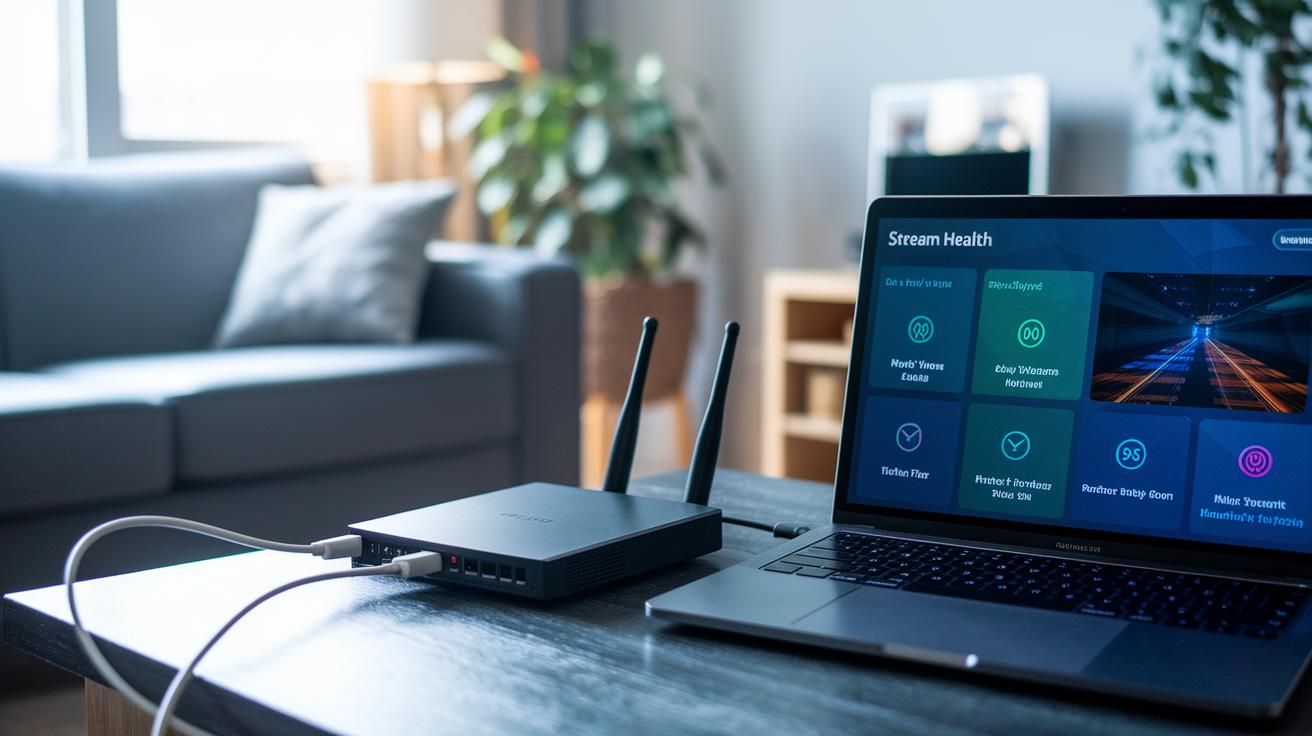
To enjoy a smooth high-quality broadcast on Rumble, start with the right setup. Use a wired Ethernet connection instead of Wi-Fi so you face fewer interruptions. Aim for an upload speed of at least 3+ Mbps when streaming in 720p to 1080p, especially during live events like sports or scheduled shows. A stable network can really boost your stream's reliability and overall quality.
- Stream via Ethernet to keep dropouts to a minimum.
- Choose 720p–1080p at a 3+ Mbps upload speed.
- Enable adaptive bitrate in your encoder for better performance.
- Check “Stream Health” on Rumble’s dashboard to monitor your connection.
- Close background apps to free up all your bandwidth.
Regular software updates are key to a well-optimized streaming setup. Keep an eye on version notes to catch any compatibility issues and discover new features that enhance performance. Updating your encoder and streaming app often helps maintain clear live events and reduces buffering. This means your audience enjoys a smooth, uninterrupted viewing experience even during tightly scheduled live shows.
Final Words
In the action, this guide walked through setting up your account, launching your first live event, and optimizing your stream on the platform. We broke down everything from signing in, checking stream health, and installing apps to safeguarding privacy while maximizing viewing quality.
It’s clear that rumble streaming offers a versatile space for creators to broadcast and monetize their content, making every live session engaging and smooth. Happy streaming and enjoy every moment on air!
FAQ
What is the Rumble streaming app?
The Rumble streaming app offers a dynamic platform for live and on-demand videos, supporting cross-device streaming and interactive features for both creators and viewers.
What do Rumble streaming reviews say about the platform?
Rumble streaming reviews highlight its user-friendly interface, consistent performance, and focus on neutrality, making it a favorable alternative for live event coverage and content sharing.
How do you access Rumble via Rumble com login?
Rumble com login means signing into your account on the website, which allows you to manage streams, interact with content, and customize your viewing experience after agreeing to the Terms and Privacy Policy.
What is the cost of using Rumble streaming?
Rumble streaming cost generally involves free live viewing, while premium subscriptions offering additional features may be available; pricing varies, so checking the website for current details is recommended.
How can I download Rumble?
Rumble download options include getting the Android app via Google Play or APK installation, the iPhone app from the App Store, and accessing the platform on desktop through a browser at rumble.com.
Who owns Rumble?
Rumble is owned by Rumble Inc., a company established by a Canadian entrepreneur that emphasizes neutrality and supports a diverse group of content creators.
Is Rumble free to use?
Rumble is free to watch for most live and on-demand content, though optional premium subscriptions may provide access to enhanced features and additional functionalities.
How much does a Rumble subscription cost?
A Rumble subscription cost depends on the chosen features and plan, with different pricing tiers available; users should visit the website for the most current subscription details.
Is Rumble the same as YouTube?
Rumble is not the same as YouTube; while both host user-generated videos, Rumble distinguishes itself with a focus on free speech, alternative monetization models, and a different content moderation approach.