

Ever wonder why local channels appear fuzzy when your cable bill keeps rising? Picture cutting the cord and tuning into perfectly clear, free TV from your neighborhood stations. This guide lays out five easy steps to set up your antenna, so your living room becomes the spot for crisp, local broadcasts. You might be surprised that a few simple tweaks can boost your signal and trim your expenses. Get ready for a better viewing experience that makes local TV both fun and affordable.
Step-by-Step Antenna TV Setup for Local Broadcast Channels

Before you start, gather all the parts you need. You will need an antenna unit (either indoor or outdoor), a mounting kit if required, a coax cable, and a TV or converter box with a built-in digital tuner. Work on a stable surface, handle your tools carefully, and always follow the product instructions. Avoid working on the antenna during windy weather and use a sturdy ladder if you need to mount it high up.
Take a moment to check that all your items are ready. Grab your safety gear, like gloves and a non-slip mat, to reduce the risk of falls. Spending a few extra minutes now can help avoid problems later.
- Assemble the antenna hardware. Lay out the pieces and connect them following the instructions included with your kit.
- Place the antenna. Find a spot with a clear view of local broadcast towers, whether that is on a wall, a roof, or a windowsill.
- Connect the coax cable to your TV or converter box. Make sure each connection is snug.
- Run the auto-tune function. Use your TV’s channel scan feature to find the available local channels.
After scanning, review the channel list to see if you received all the signals you expected. If not, adjust the antenna slowly by tilting or moving it to a new position and run another scan. This careful process helps perfect your signal and ensures a smoother viewing experience with clear local broadcasts.
Choosing the Right Antenna TV Guide Equipment

Your antenna’s gain and range should match the distance to your local transmitter. Even a small design change can be the key to picking up a clearer local signal.
In urban areas, most people choose the flat panel design. These antennas are slim and easy to mount on a wall or window, making them ideal for tight city spaces. Often, they include built-in amplifiers that boost digital signals so you can enjoy both modern UHF channels and classic VHF programming. Flat panels work well in small areas by boosting every channel, even the less powerful ones.
If you live in a rural area, consider a Yagi antenna. It offers extra range with a focused beam that picks up signals from faraway transmitters. This targeted design helps overcome obstacles like hills and open landscapes where towers are spread out. Although the Yagi needs careful aiming at the transmitter, many users appreciate its strong performance for capturing a full community antenna guide. Make sure any outdoor unit is weatherproofed to protect against rain and wind, ensuring reliable performance no matter the weather.
Maximizing Signal Reception with Antenna TV Guide Tips

Try placing your antenna high up. A rooftop, attic, or any elevated spot helps you dodge blockages and gives you a better view of broadcast towers. Even a spot by a window or on a high outdoor wall can really boost the number of channels you receive.
Make sure your antenna has a clear line of sight. Remove bulky trees, heavy foliage, or metal structures that might block the signal. A direct view toward the transmitter keeps your picture crisp and strong.
It also helps to match your antenna’s impedance with your TV or converter box for top performance. Adding a low-noise amplifier can boost weak signals, especially if you live far from the transmitter or face other challenges.
After any change, run a fresh channel scan to check your progress and ensure you’re getting the best local TV picture possible.
Finding Local Broadcast Listings with Antenna TV Guide Tools
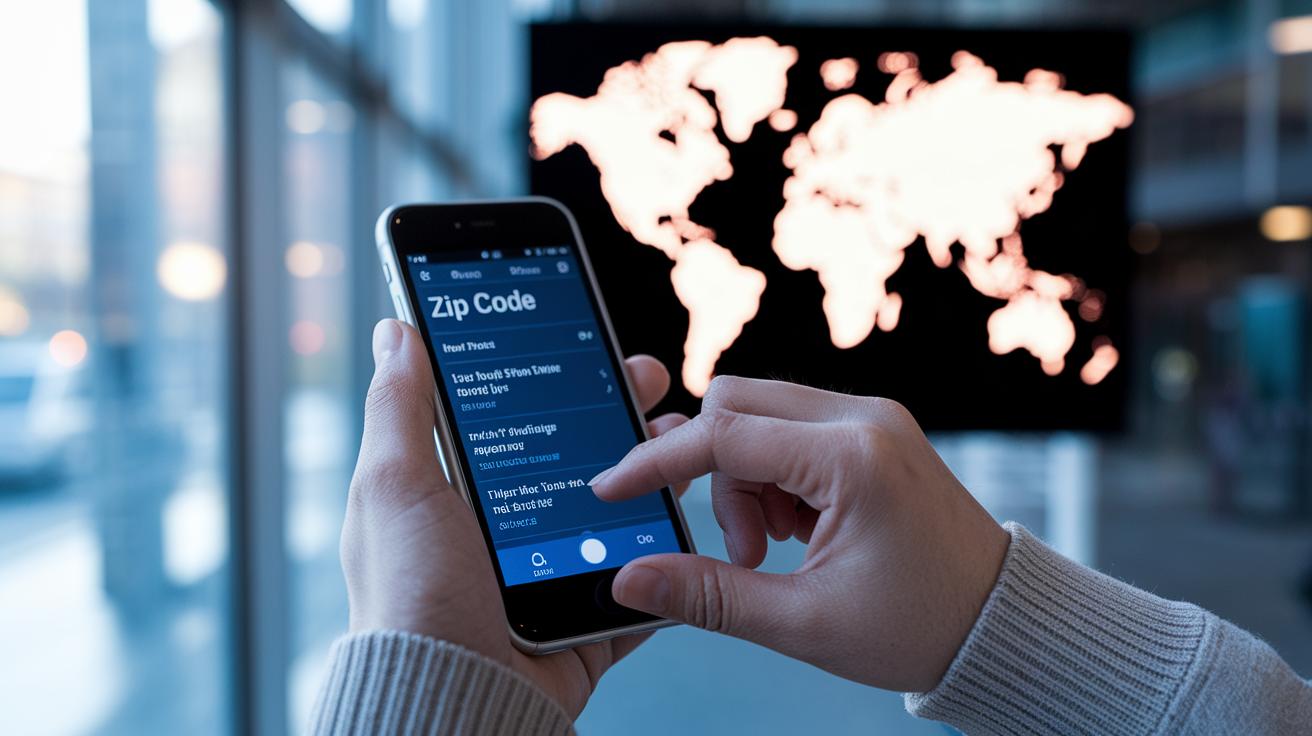
Type your ZIP code into your favorite guide and unlock free, over-air TV listings instantly. Both online and mobile tools give you a two-week snapshot of showtimes, series names, production years, and episode numbers. In just a few clicks, you'll know what’s playing and when, making it easy to plan your watch list. These platforms match your ZIP code to local channels so you never miss your favorite programs.
| Listing Service | Schedule Span | Detail Level |
|---|---|---|
| FCC DTV Reception Maps | 14 Days | Time, Title, Episodes |
| TitanTV.com | 14 Days | Series, Air Dates, Episode Info |
| AntennaTV.com | 14 Days | Comprehensive Program Guide |
After checking out your local listings, think about signing up to save your top channels and get a personalized two-week view. Registration lets you set reminders and tailor your guide to your favorite shows, from nostalgic vintage series to the latest dramas and sitcoms. This little extra step helps you easily manage your TV schedule so you always know what’s about to air. Enjoy a smoother viewing experience that not only previews upcoming shows but also holds past details at your fingertips.
Troubleshooting Common Antenna TV Guide Issues

Many viewers run into three main problems: signal dropouts, no-signal errors, and ghosting. These issues can cause fuzzy pictures, missing shows, and an overall unsatisfying viewing experience. The key is to pinpoint the problem before you try a fix.
A simple fix for signal dropouts is repositioning your antenna. Try moving it to a higher spot like a roof or attic and steer clear of obstacles like trees and metal structures. Even a slight shift or a minor tilt can clear obstructions and improve your over-the-air TV reception, as one user discovered when ghosting almost disappeared with just a small adjustment.
It’s also important to check your cable connectors. Loose or damaged connectors can cause no-signal errors by interrupting the signal. Take a look at every connection from your antenna to your TV or converter box. Tighten any loose cables and consider swapping out old or frayed cords to keep your connection stable.
Updating your TV tuner firmware might help fix random glitches too. Manufacturers often roll out updates that address interface bugs and boost compatibility with digital signals. Running these updates every now and then can keep your system working smoothly.
After making any changes, try rescanning your channels to see if the issue is resolved. Keep in mind that weather can temporarily affect your reception, so a brief dip in quality might not be a long-term problem.
Antenna TV Guide vs. Cable and Satellite: Cost and Channel Comparison

Cable bills can climb fast, but an antenna is a one-time purchase that brings free channels right to your TV. You usually spend between $50 and $100, and that means no monthly fees like cable or satellite. It's a smart way to watch your local shows without breaking the bank.
With an antenna, you get major networks like ABC, NBC, CBS, and PBS, plus extra channels that bring family sitcoms, news, sports, and more. This mix of classic and new shows comes without any extra cost, giving you plenty of options to enjoy.
When it comes to live sports and news, antennas deliver steady performance. Network news is clear and offers timely updates, while sports fans can count on good picture quality during live games. Even though weather or your location might sometimes affect the signal, antennas still provide a great balance of savings, variety, and solid live coverage.
Final Words
In the action, we broke down a simple antenna TV setup process. We walked through assembling parts, mounting your device, and running a quick auto-scan.
You learned how to match the right equipment and tweak placement to boost signal reception.
We also explored finding local broadcast listings and solving common issues, while contrasting free channels with cable options.
An antenna tv guide can simplify your viewing experience, keeping your local channels on point and your bills low. Enjoy your clearer, cost-effective TV setup!
FAQ
What does a local antenna TV guide provide?
The local antenna TV guide provides channel lineups and broadcast schedules for nearby stations, helping you quickly view available over-the-air content in your area.
How do I use the free antenna TV guide by zip code?
The free antenna TV guide by zip code lets you enter your postal code to instantly display local channel listings and detailed broadcast information for your region.
How can I find an antenna TV guide for tonight near me?
The antenna TV guide for tonight near me delivers current broadcast schedules and channel information, ensuring you know what’s airing in your local market tonight.
Is there an antenna TV guide app available?
The antenna TV guide app offers a mobile-friendly interface to access local broadcast lineups, making it easy to view channel schedules and plan your TV time anywhere.
Where can I find free antenna TV guides in Charlotte, Phoenix, and Minneapolis?
The free antenna TV guides for Charlotte, Phoenix, and Minneapolis deliver up-to-date local broadcast schedules and channel details, making it simple to tune into your favorite over-the-air channels.